Loyalty programs · By Points Frog Editorial ·
Southwest’s redemption page explains that the number of Rapid Rewards points required for a flight can vary with the fare and other factors. It also says the required amount can change before the booking is confirmed.
That makes the fare bundle part of the points decision. A smaller points number is useful only when the ticket’s features fit the traveler’s requirements for the actual journey.
Compare the whole fare
Record the points price, cash charges and conditions for the fare offered. Check seating, baggage and change terms in the current reservation flow rather than apply rules remembered from an earlier version of Southwest’s product.
Suppose one hypothetical option costs 12,000 points and another costs 16,000. The extra 4,000 points should be evaluated against the features the traveler actually needs, rather than the bundle name alone.
If the higher option includes an item the traveler would otherwise buy separately, compare the incremental points with that avoided cash expense. If the extra features will go unused, they may add little practical value.
Use a realistic cash alternative
Suppose a suitable cash ticket costs $250 and the selected reward requires 15,000 points plus $10. The simple saving is $240, or 1.6 cents per point. Those prices are hypothetical and do not identify a current Southwest offer.
A different acceptable cash fare can change the result. If the traveler would otherwise choose a $190 ticket, the same reward produces $180 of saving, or 1.2 cents per point.
The comparison should use a ticket that fits the same travel need. A low-price fare with unsuitable conditions is not necessarily the alternative the traveler would buy.
Read the flexibility conditions
A ticket’s change or cancellation rules can matter when dates are uncertain. Identify the treatment of points and any cash charges under the selected fare, including restrictions shown before checkout.
Also review how a change to another flight would affect the price. Administrative flexibility and the cost of a replacement itinerary are separate questions. The current booking terms and change preview provide the relevant information.
For a family, run the search for the full party. The total required points and available travel arrangement should match the reservation intended.
Confirm the booking’s actual features
Before ticketing, review the airports, departure time and selected fare again. A different flight or fare choice can alter the travel plan as well as the points price.
Keep the confirmation and the chosen bundle’s conditions together. They provide a reference if later travel plans change.
The practical approach is to compare the points and cash with the features received. A Rapid Rewards balance is a way to pay for a trip; the fare bundle determines important parts of that trip. Read both to judge the value of the actual reservation.
Plan the rest of the journey
Use the Rapid Rewards calculator and program directory for broader rewards context. The calculator’s valuation is an estimate; the actual booking supplies the points required and cash charges. For the flight segment, Lounge Frog’s airline page and BWI airport guide provide existing travel resources. Check the lounge directory separately: an award booking alone does not establish entry to every lounge.
Source: Official program information. Checked October 13, 2026. Numerical examples are hypothetical unless explicitly identified as a published program rule.
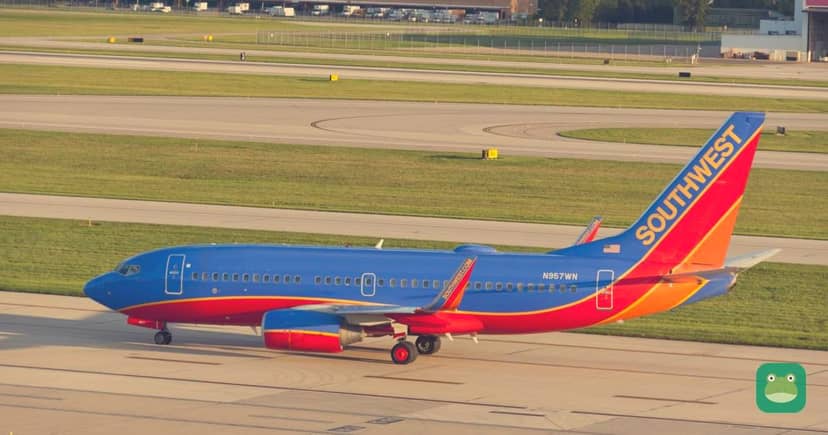
Photo: Sixflashphoto, CC BY-SA 4.0, via Wikimedia Commons. Cropped, resized and branded for display.